Segmentation Insights
Use segmentation insights to group users by behavior or attributes, then compare how those groups differ on the metrics you care about.
Best for:
- User cohort analysis
- Comparative behavior studies
- Engagement level tracking
- Metric comparisons over time (for cohort retention curves from a starting and returning event, use Retention insights)
Example use cases:
- "How do power users differ from casual users?"
- "What's the retention rate for users from different acquisition channels?"
- "Which features do enterprise customers use most?"
Creating Segmentation Insights
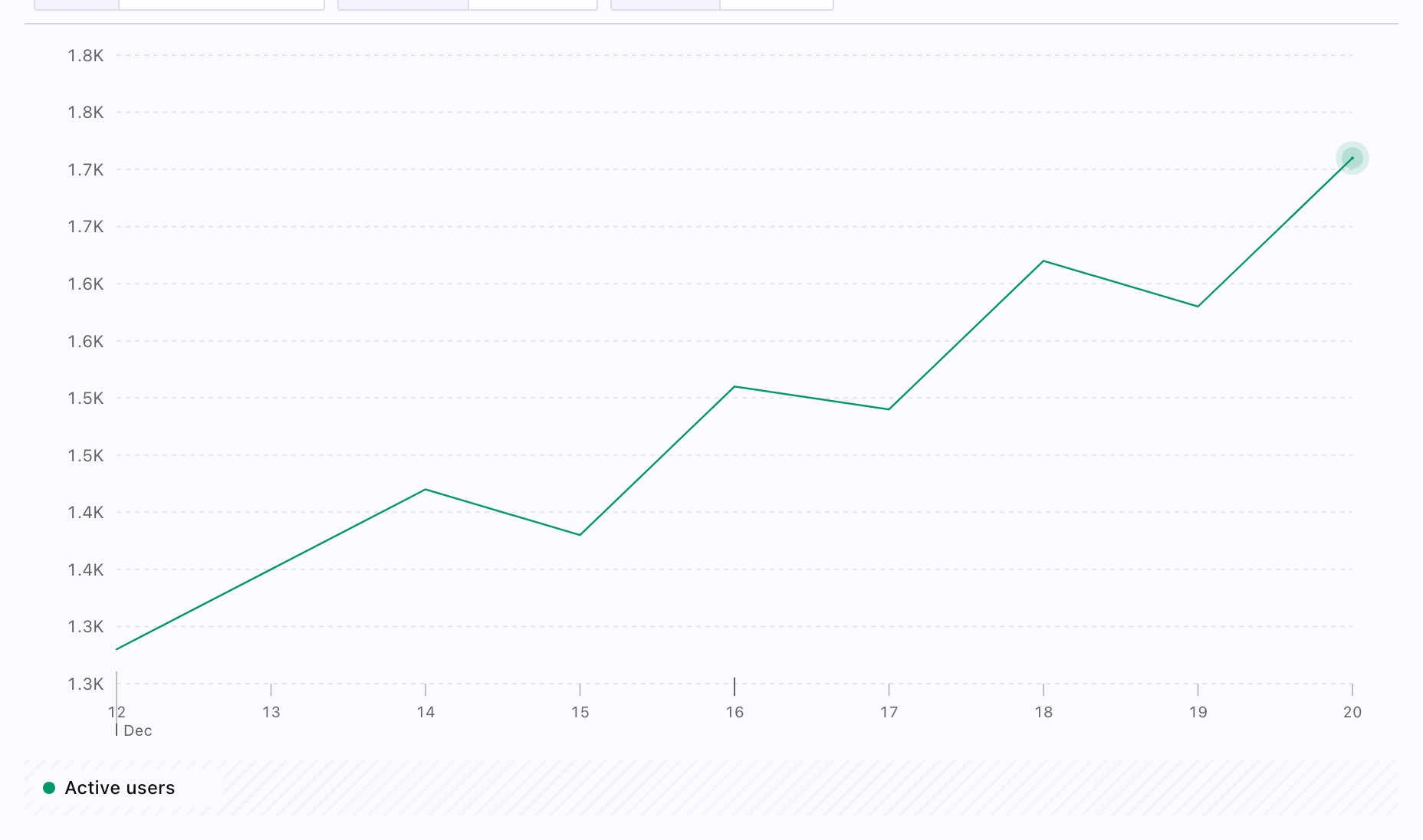
Segmentation insights analyze events over time and allow you to break down (group) the data by properties to see how different property values compare. Select the events you want to track, choose how to aggregate them (count, unique users, sum, average), and optionally add breakdowns by event properties, user properties, or other attributes.
Common Breakdown Examples
Event Property Breakdowns
- Page views broken down by
page_urlorpage_title - Button clicks broken down by
button_nameorbutton_location - API calls broken down by
endpointorstatus_code - Errors broken down by
error_typeorerror_message
User Property Breakdowns
- Sign-ups broken down by
signup_source(organic, paid, referral) - Feature usage broken down by
plan_type(free, pro, enterprise) - Purchases broken down by
customer_segmentorregion - Page views broken down by
device_type(mobile, desktop, tablet)
Session Property Breakdowns
- Events broken down by
entry_urlorreferrer - Conversions broken down by
utm_campaignorutm_source - Engagement broken down by
session_durationranges - Activity broken down by
browseroroperating_system
Segmentation Parameters
- Event definitions: Which events identify segment membership
- User property filters: Filter by user attributes (plan, region, etc.)
- Time ranges: When events occurred
- Aggregation mode: How to group and display segments
Analyzing Segments
Compare metrics across segments to understand how different user groups behave. You can analyze feature adoption rates, engagement levels, retention, and other metrics by segment. The segmentation insight automatically calculates these comparisons and visualizes the differences between segments.