Supabase
Add your Supabase database as an external catalog in Altertable to query and analyze it alongside your other data sources.
To add a new Supabase external catalog:
- Navigate to the Catalogs section in the dashboard
- Click New catalog
- Select Supabase as the engine
- Fill in the connection details:
- Host: The hostname or IP address of your Supabase server
- Port: The port number (default: 5432)
- Database: The name of the database to connect to
- Schema (optional): The name of the schema to connect to
- Username: Your Supabase username
- Password: Your Supabase password
- Click Save
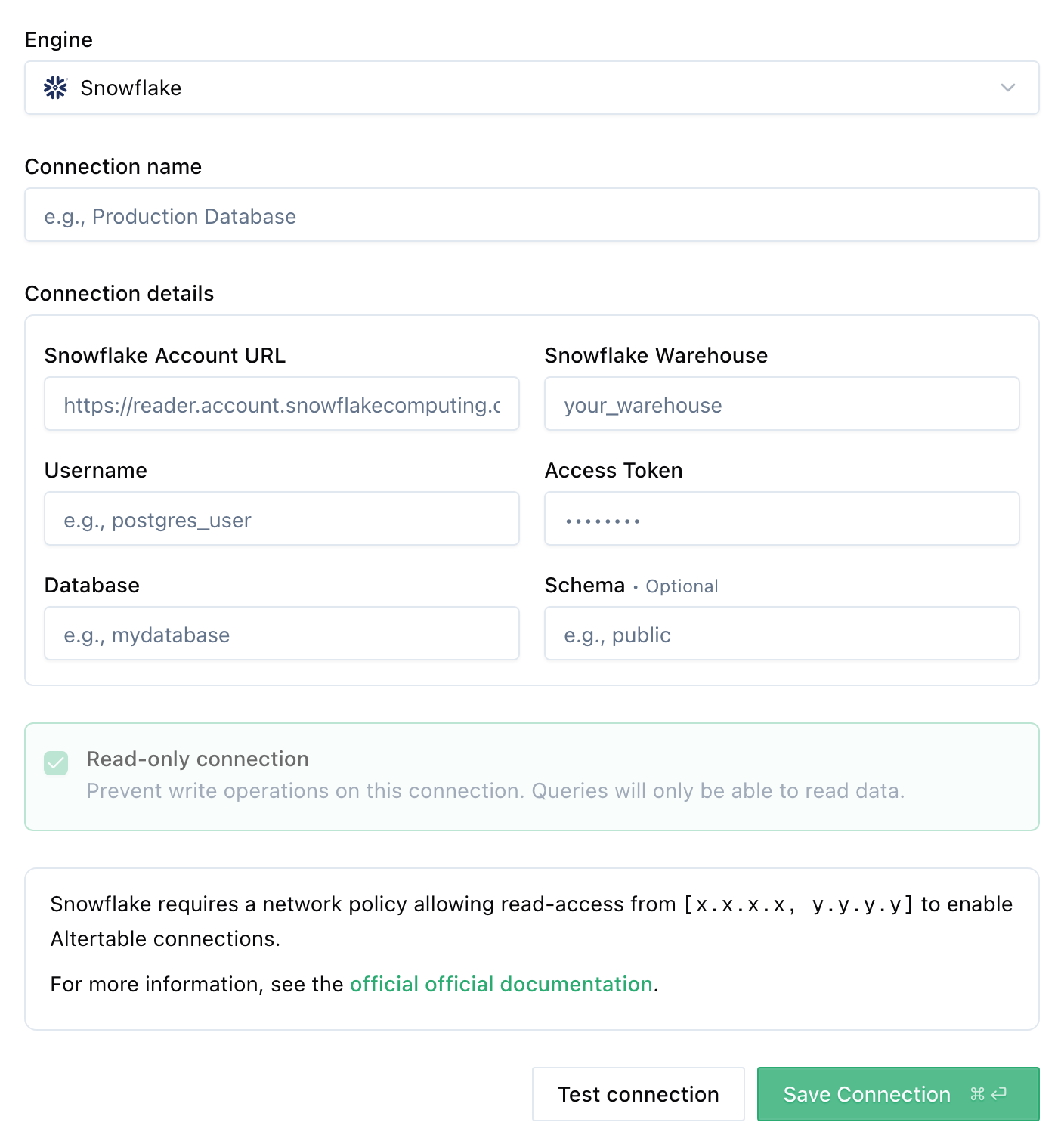
Once added, you can start querying your Supabase data through Altertable's SQL engine.
Caveats
You will need to use Transaction Pooler connection method. Direct connection and session pooler methods don't work with Altertable for now.