Redshift
Add your Redshift warehouse as an external catalog in Altertable to query and analyze it alongside your other data sources.
To add a new Redshift external catalog:
- Navigate to the Catalogs section in the dashboard
- Click New catalog
- Select Redshift as the engine
- Fill in the connection details:
- Host: The hostname or IP address of your Redshift server
- Port: The port number (default: 5439)
- Database: The name of the database to connect to
- Schema (optional): The name of the schema to connect to
- Username: Your Redshift username
- Password: Your Redshift password
- Click Save
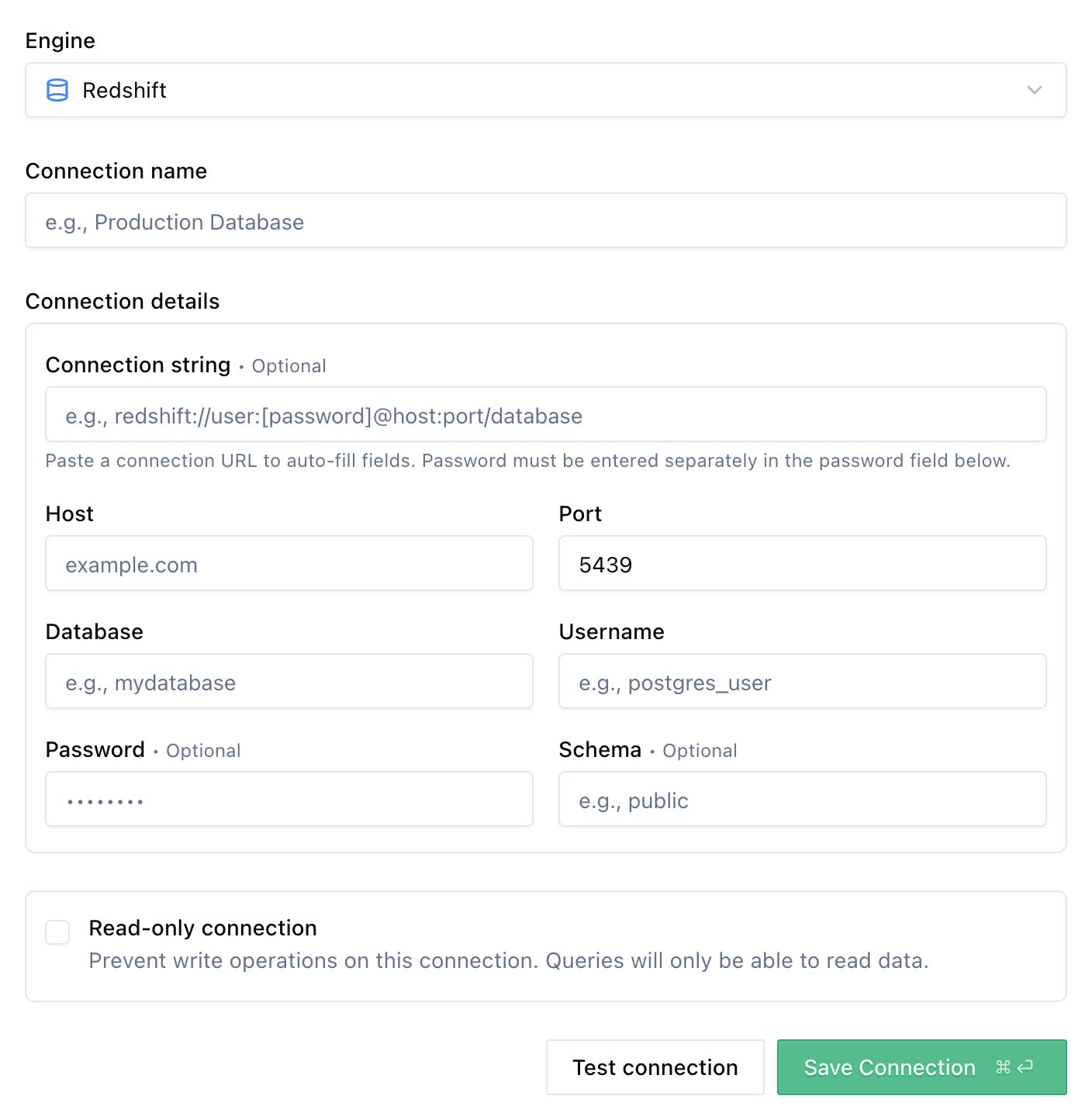
Once added, you can start querying your Redshift data through Altertable's SQL engine.