Product Analytics
Segmentation
Segmentation insights
Plot an event metric over time and compare it by property or user attribute. For example, count purchases by region or compare feature usage across subscription plans.
Create a segmentation insight
- Open Insights and create an insight.
- Choose Segmentation as the insight type.
- Select an event and aggregation, such as event count, unique users, sum, or average.
- Add filters and an optional breakdown by an event property or user trait.
- Set the time range and interval. Open Results to inspect the rows and SQL to review the generated query.
- Save the insight when the metric and breakdown match your question.
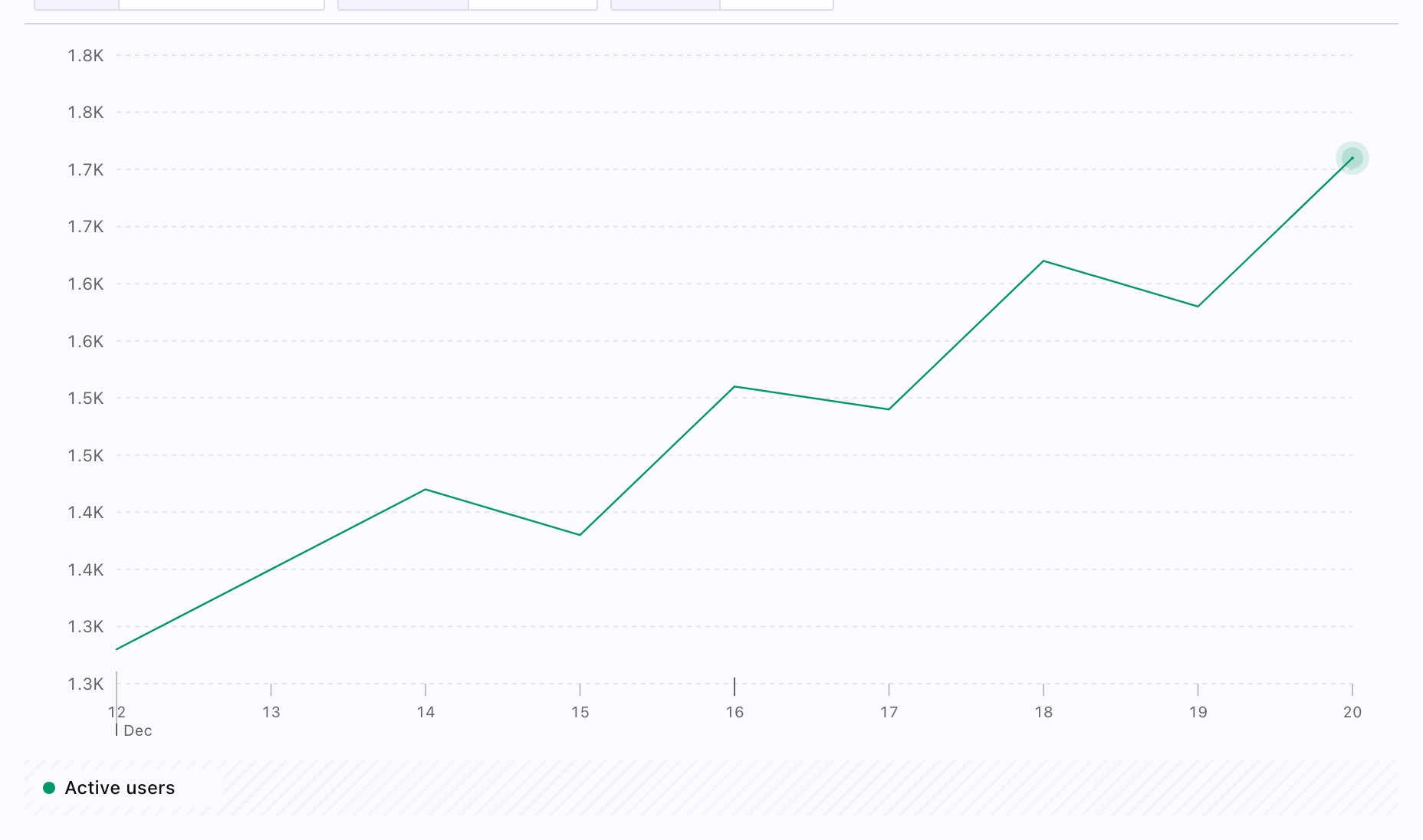
Choose a breakdown
- Use an event property, such as
page_urlorendpoint, to compare the context of each action. - Use a user trait, such as plan or region, to compare groups of identified users. Identify users to attach these traits.
Check missing property values and the selected aggregation before comparing groups. Use SQL and the data model when you need to inspect the source records.
For conversion through ordered steps, use Funnel. For the percentage of a cohort that returns after a starting event, use Retention.