Product Analytics
Funnel
Funnel insights
Measure how users progress through ordered events, such as Product Viewed → Added to Cart → Purchase Completed. Use a funnel to find where users drop off between steps.
You need tracked events for each step and a consistent user identity across them.
Create a funnel
- Open Insights and create an insight.
- Choose Funnel as the insight type.
- Add at least two event steps in the order you want to measure.
- Add event-property or user-trait filters where needed, and set the date range. Use Completed within to limit how long users have to complete the funnel.
- Inspect the chart, open Results for the underlying rows, and use SQL to review the generated query.
- Save the insight when the steps, filters, and results match the journey you want to measure.
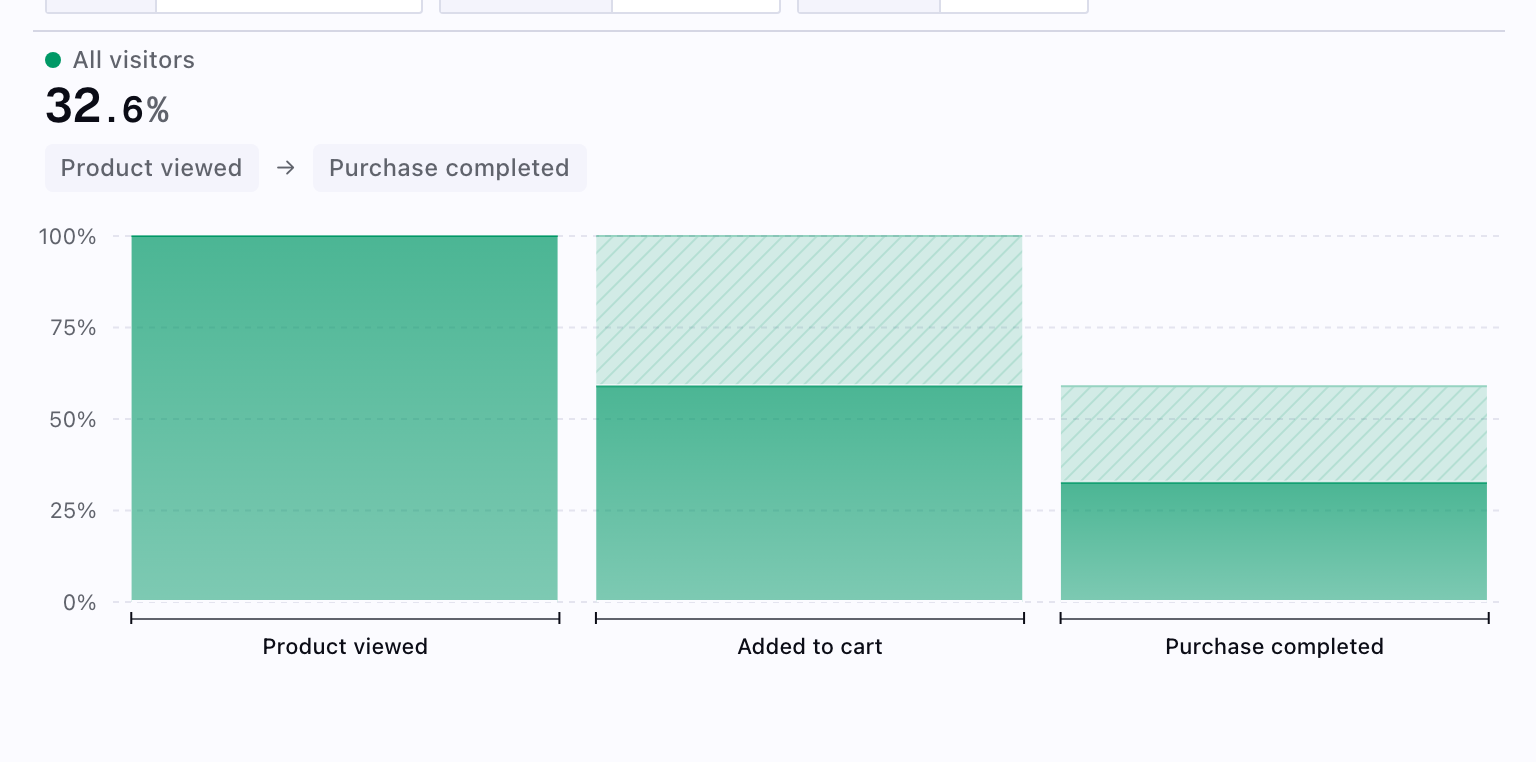
Verify the definition
Check that each event represents the intended action, that the same user identifier is available across steps, and that the date range and conversion window match your question. Review the number of users at each step before interpreting the conversion rate.
For return behavior after an initial event, use Retention. For an event metric over time, use Segmentation.
To investigate a result directly, query product data with SQL using the Product Analytics data model.